Organization Charts for Microsoft 365
Visualize and navigate your organization’s structure, locate the right people, support collaboration and make faster, more informed decisions.
Connect your data
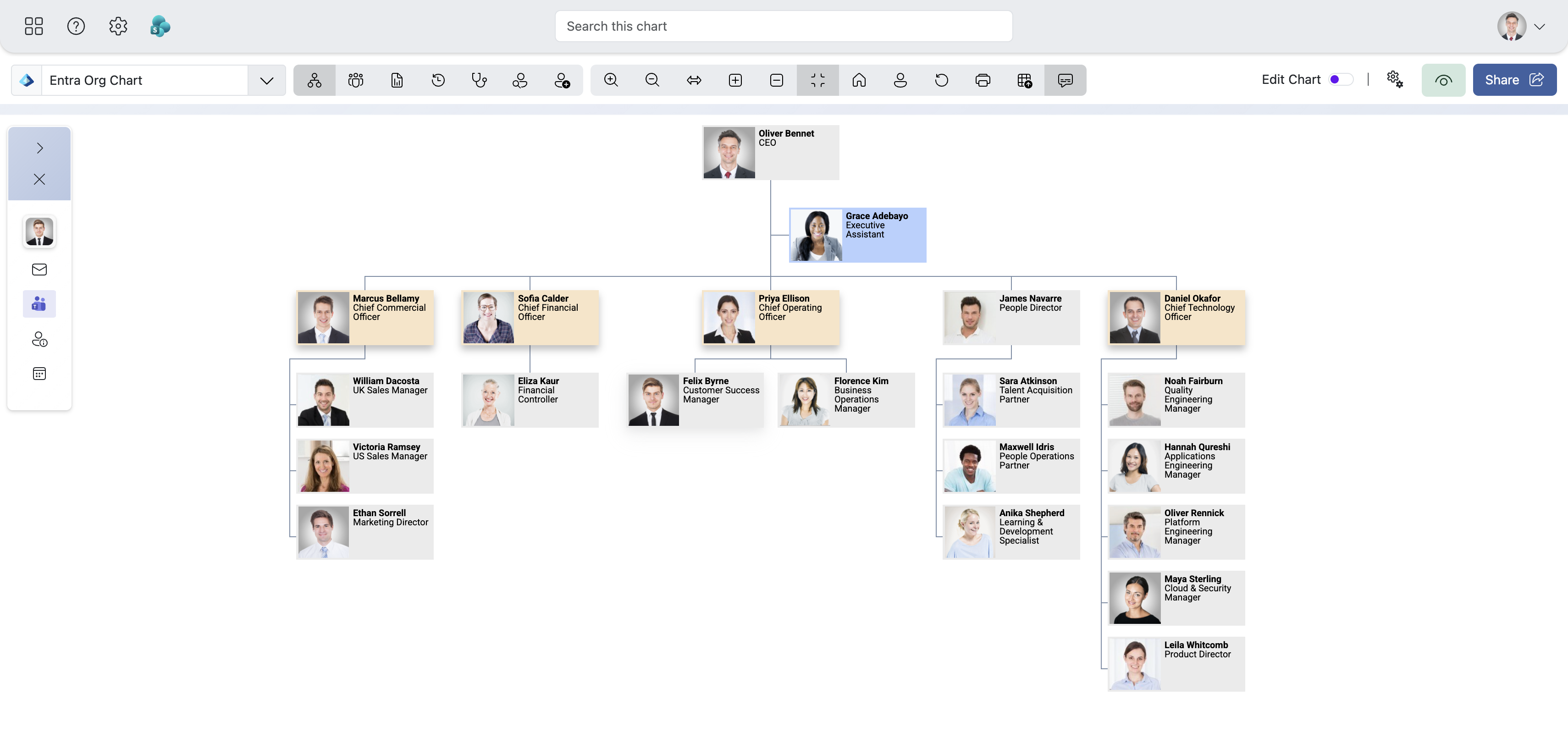
Create charts from Entra ID, SharePoint lists, Excel and more. Charts update automatically as employee data changes, reducing manual maintenance.
Find the right people
Find people and teams quickly, explore reporting lines and understand how your organization fits together.
Make it your own
Customize layouts, colors and displayed information. Use conditional formatting to highlight what matters as your data changes.
Share with colleagues
Export or embed your charts, and bring TeamOrgChart into Microsoft Teams and SharePoint so colleagues can find the people they need without leaving their workflow.
Get up and running in minutes.
Integrating seamlessly into your Microsoft 365 workflow.
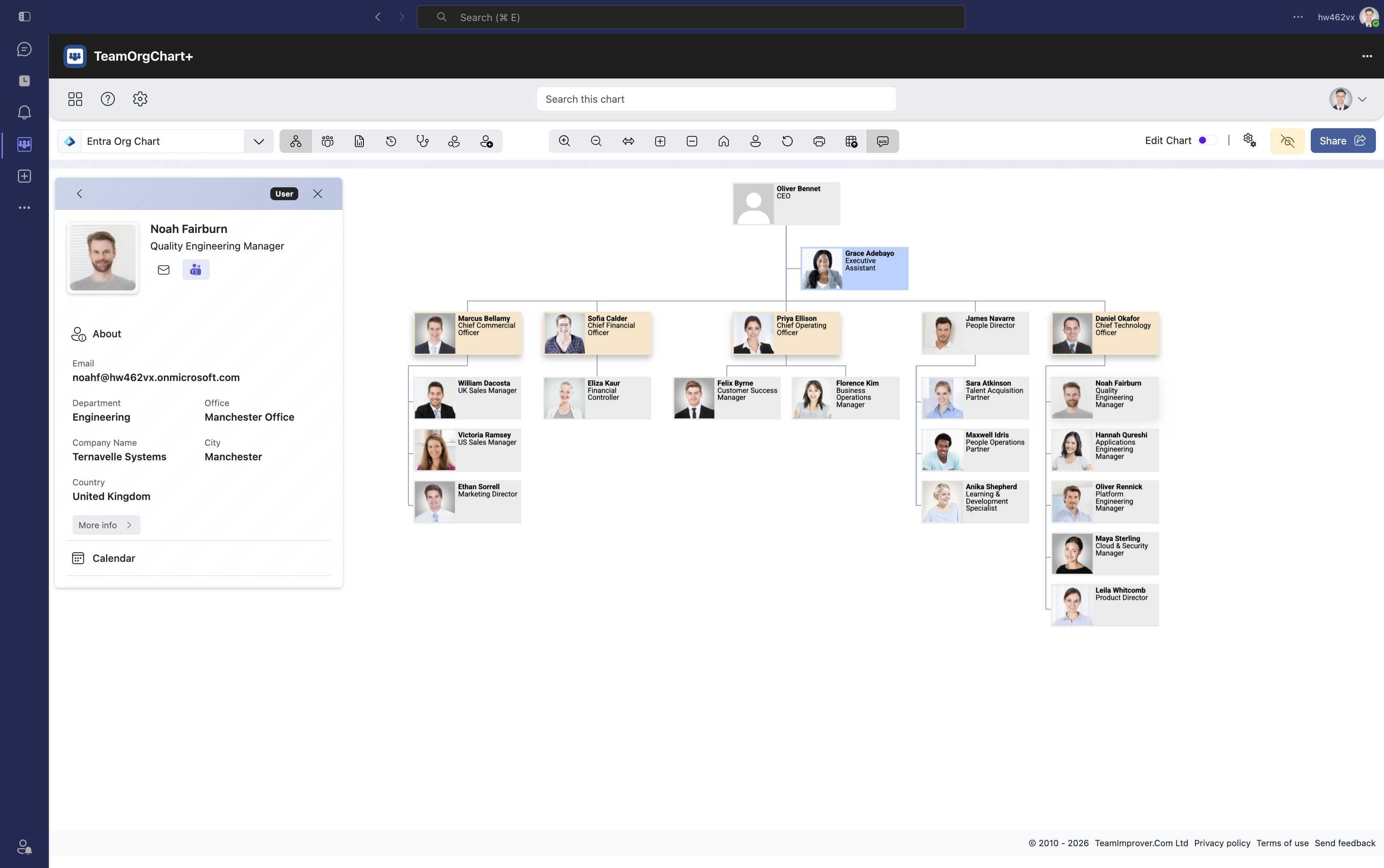

In Microsoft Teams
Help colleagues explore reporting lines and find the right people where they already work. Add TeamOrgChart to Microsoft Teams to make your organization chart available alongside your team's conversations.
 Find on Microsoft Marketplace

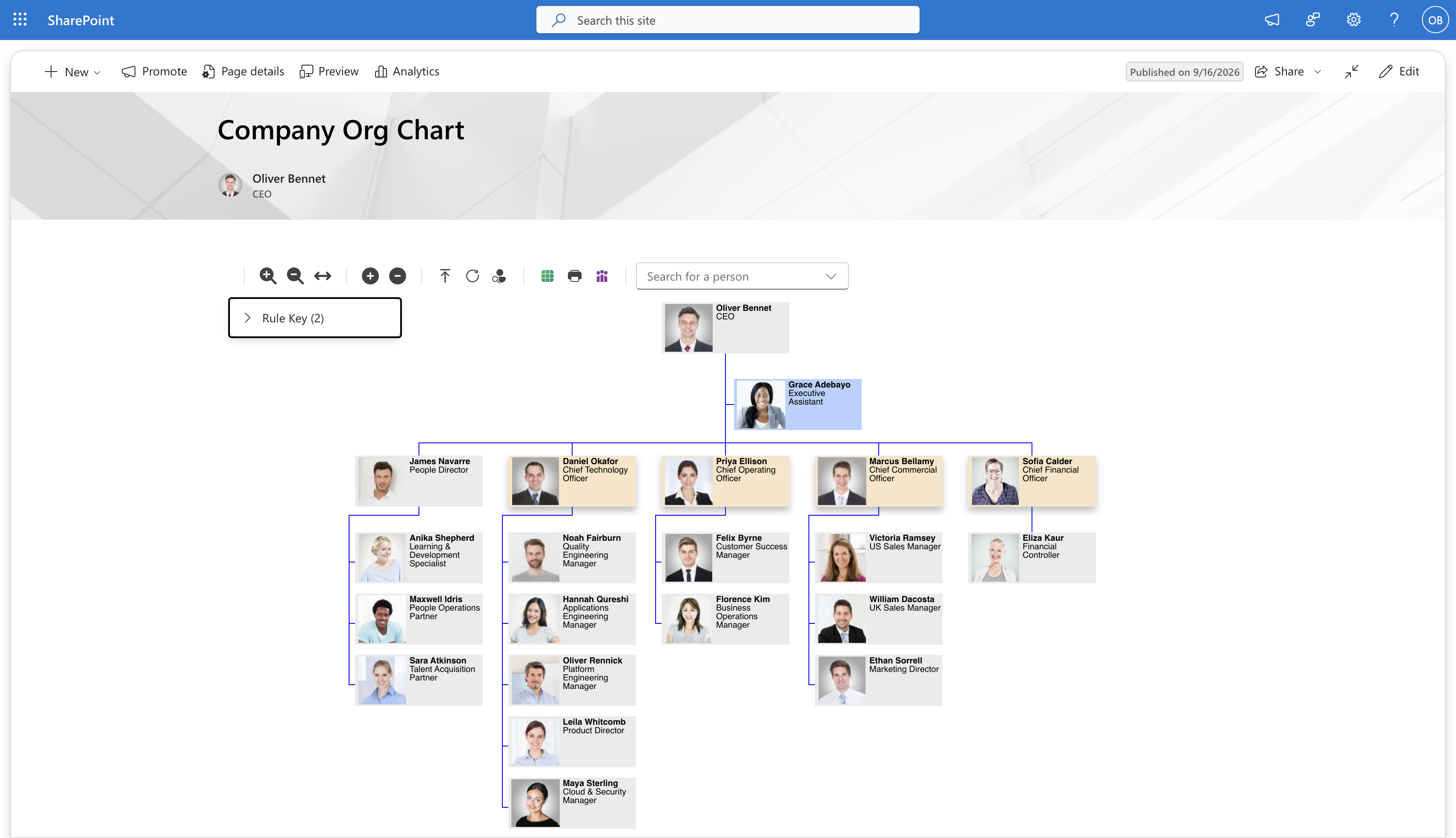
In Microsoft SharePoint
Make your organization's structure easy to find by adding a chart to a SharePoint page. Help colleagues find people and understand reporting lines directly from your intranet.
Find on Microsoft Marketplace
Discover what an org chart can do for your organization.
Benefits for the whole team
HR teams
-
Streamline onboarding
New hires can quickly understand reporting lines and team structures.
-
Improve workforce planning
Easily visualize vacancies, temporary, and cross-department roles.
-
Ensure data accuracy
Spot and fix incomplete or inaccurate employee information using built-in data analysis tools.
Project managers
-
Connect with the right people
Search by role, location, or any Microsoft Entra ID custom attribute and start a chat or call directly from the directory, no switching apps.
-
As many charts as you need
Tailor charts for specific projects, with conditional styles and role-specific filters.
-
Plan for the future
See reporting lines, vacancies and additional roles together to support decisions about your organization's structure.
IT and system admins
-
Simple Microsoft integration
Create charts from a range of sources including Microsoft Entra ID, SharePoint and Excel.
-
Centralized access control
Choose who can access your charts using chart visibility settings and permissions.
-
Review security and permissions
Give IT the information they need to review access to your Microsoft 365 data.
Related products
Discover more tools designed to help organizations connect their people and understand their structure.
Find us on Microsoft Marketplace