TeamOrgChart Onboarding Guide
A Microsoft 365 application to create and share org charts within your organization.
This guide provides an overview of the essential steps to efficiently deploy TeamOrgChart within your organization. While it doesn't aim to cover every available feature, it will help you get started quickly.
For detailed instructions and information about every feature, visit the full user guides.
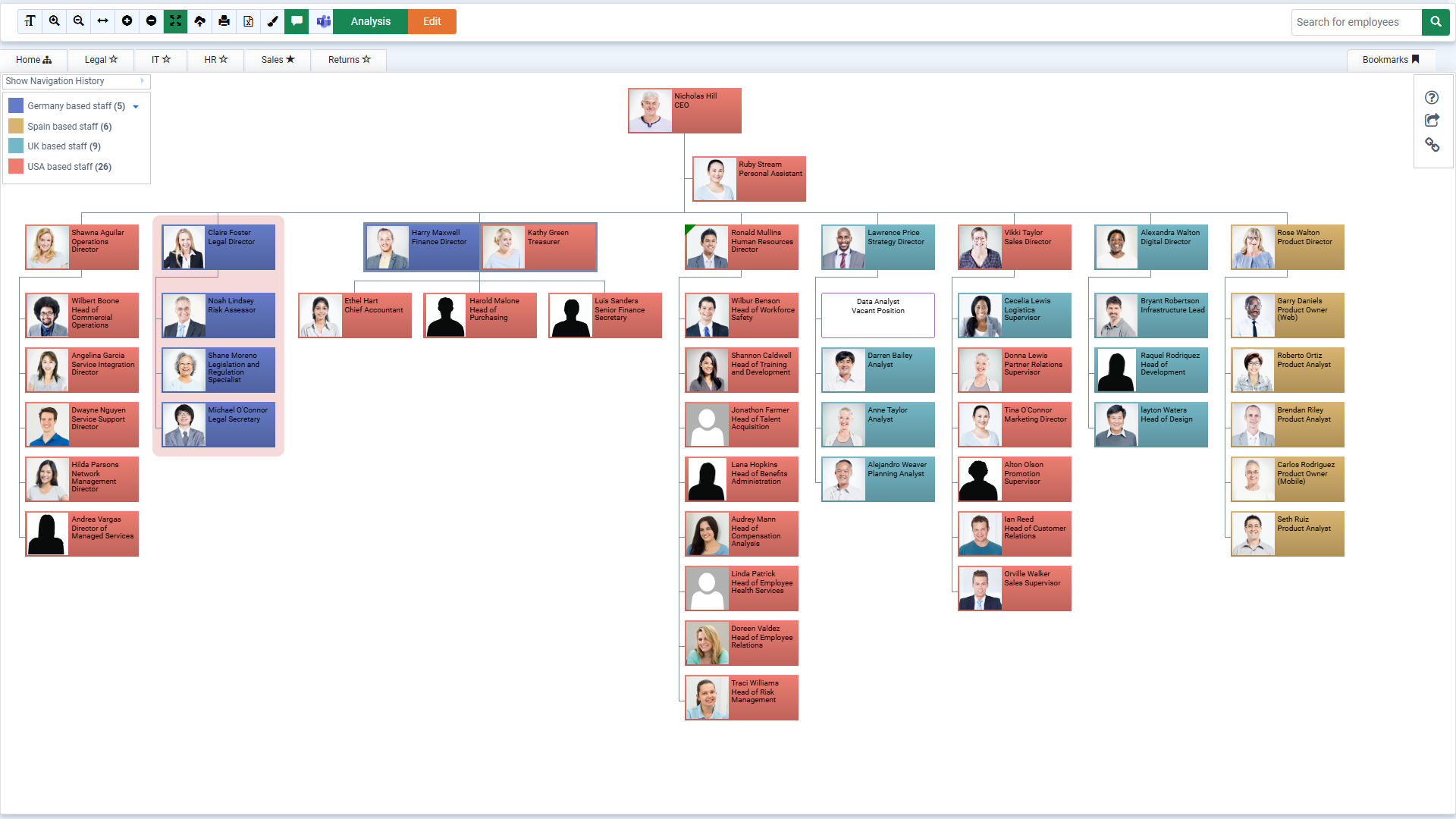
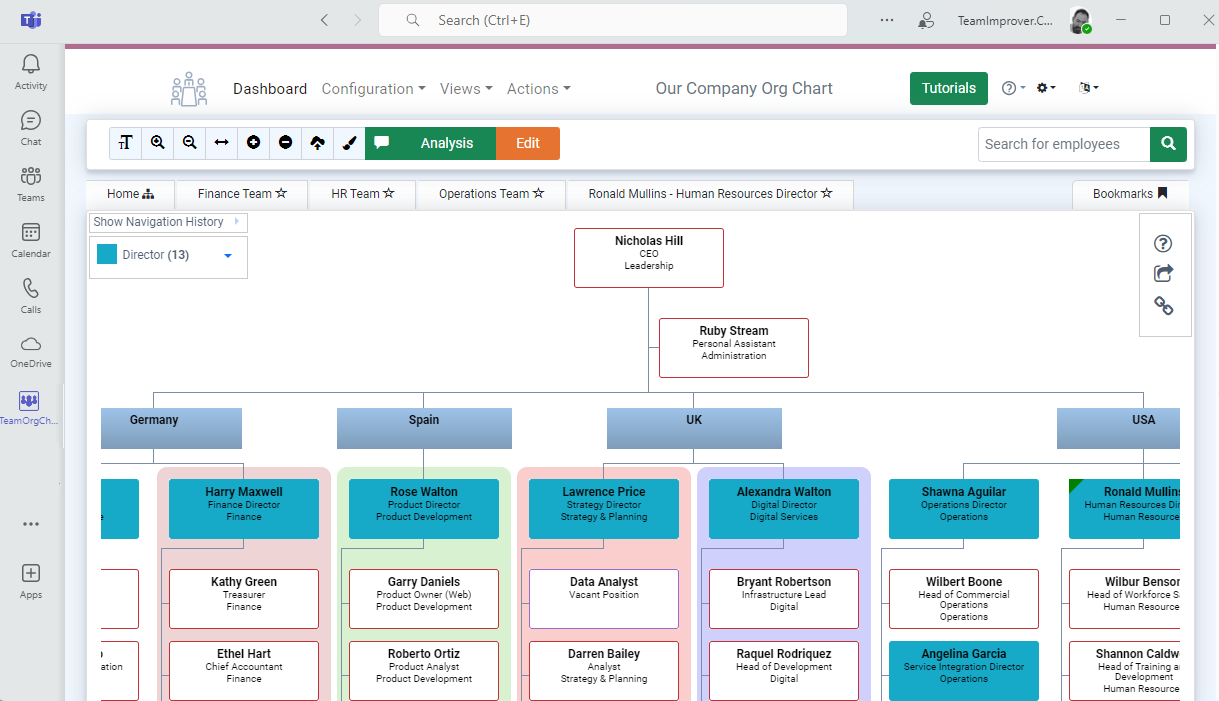
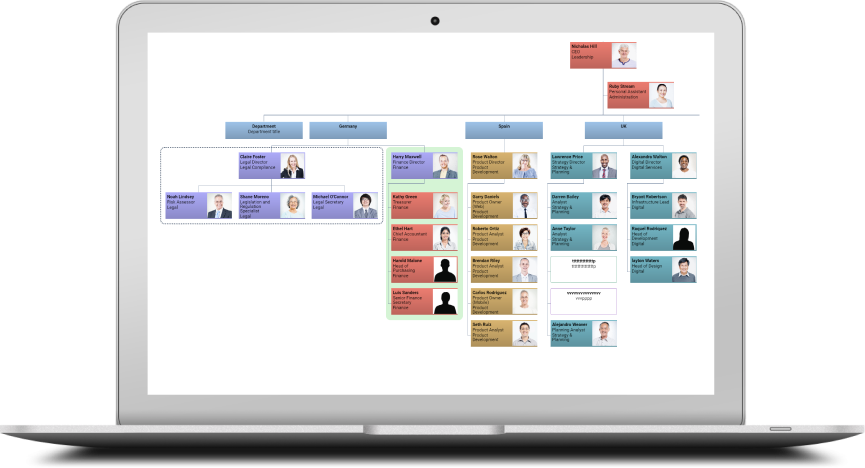
TeamOrgChart, built for M365, offers a comprehensive set of features designed to enhance organizational chart management. With support for vacant and temporary positions, advanced search filters, and the ability to create charts from multiple data sources, it provides flexibility and powerful tools for your team. Explore the full comparison below to see how TeamOrgChart outperforms the in-built organization browser.
| Feature | In-built Organization browser | TeamOrgChart |
|---|---|---|
| Integrated with Microsoft Entra |  | |
| Navigate & Search Org Chart | | |
| View Contact Information | | |
| Search by Name | | |
| Search by Job Title, Country or Department |  | |
| Print to PDF | | |
| Print multi-page PDF reports | | |
| Manage Vacant Positions | | |
| Manage Temporary Positions | | |
| Create charts from: Active Directory, Excel, SharePoint Lists, Databases or by hand | | |
| Conditional Formatting & Styling | | |
| Create multiple charts, for example one per department | | |
| Export to Excel | | |
| Integrated Staff Directory | | |
Learn More
TeamOrgChart user guides(c) TeamImprover.Com